PDF reading pitfalls
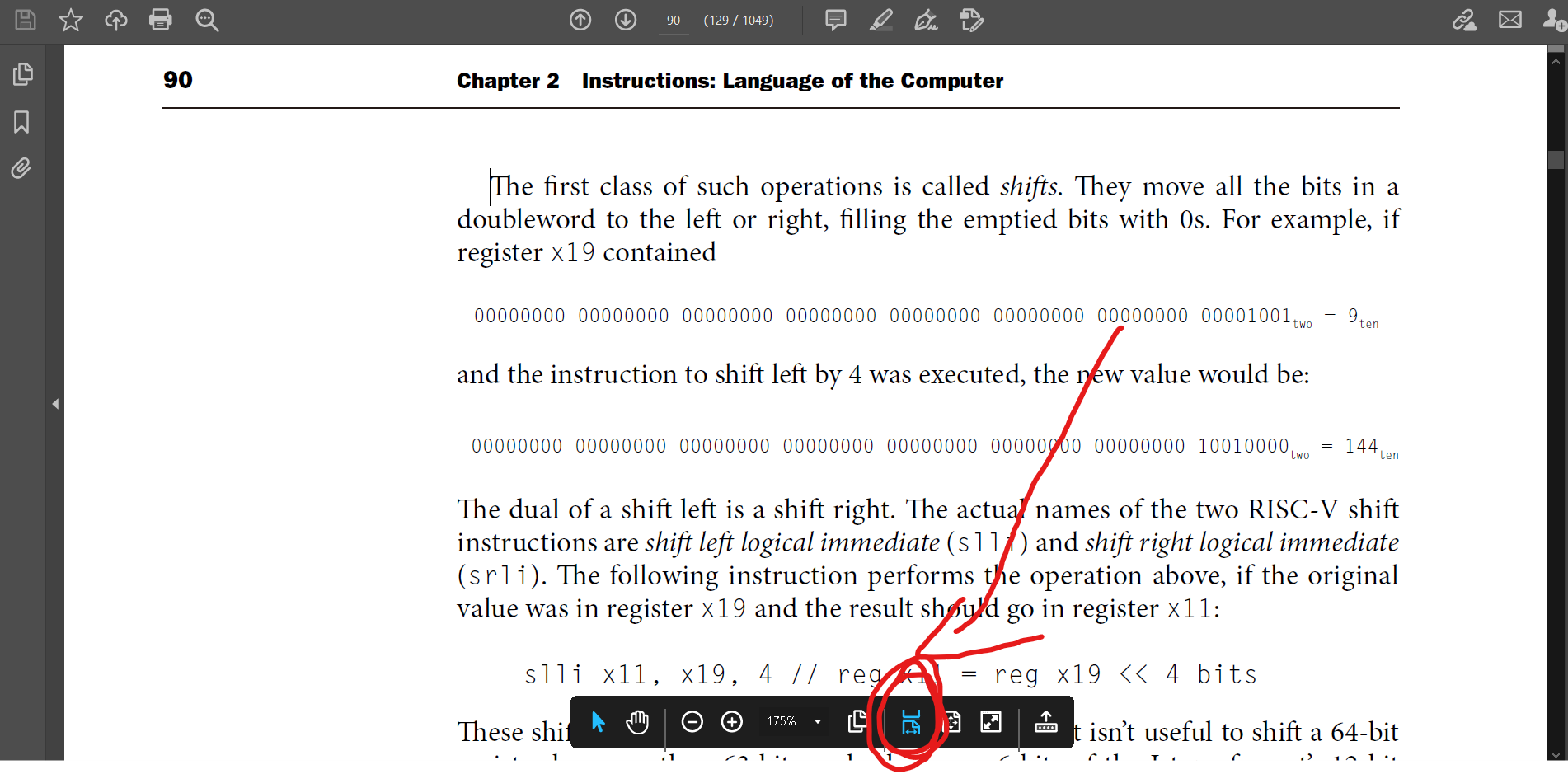
When an input caret appears while reading a PDF,  press the Esc key to exit input mode, which makes it convenient to use the arrow keys to control page scrolling
Last updated
When an input caret appears while reading a PDF, press the Esc key to exit input mode, which makes it convenient to use the arrow keys to control page scrolling
Last updated